Управление данными
|
В этом модуле вы рассмотрите основные концепции, связанные с этим инструменты и лучшие примеры существующих методов управления данными, в частности, очистки данных и их стандартизации. |
Принципы очистки данных
|
В этом видео (09:49) вы рассмотрите важный набор принципов, необходимых для улучшения данных в процессе их очистки, основанных на работе Артура Чепмена (2005) «https://doi.org/10.15468/doc.jrgg-a190» [«Принципы качества данных»]. Для этого видео доступны субтитры на французском и испанском языках. Если у вас не получается посмотреть встроенное видео, вы можете скачать его на свой компьютер по ссылке:$data_cleaning_concepts_v3-720p.mp4[download,opts=download]. При скачивании на компьютер субтитры недоступны. (MP4 — 27,9 МБ) Если вы предпочитаете ознакомиться с материалом в текстовом виде, транскрипт видеоролика приведён ниже |
Presentation transcript
Нажмите, чтобы раскрыть
Слайд 1 — Очистка данных
В этой презентации мы рассмотрим ключевые принципы и процессы, важные для эффективного управления данными.
Фото: GBIF: https://www.gbif.org/occurrence/2597778861 Passiflora miniata Vanderpl. Правообладатель: Gee (Gerard Chartier) Лицензия: http://creativecommons.org/licenses/by/4.0/ Ссылка: https://www.flickr.com/photos/33212211@N00/49747811713/
Slide 2 - Key concepts
Понятие управления данными охватывает широкий круг вопросов — от форматов метаданных до организации баз данных. В этой презентации мы рассмотрим важный набор принципов, необходимых для улучшения данных в процессе их очистки.
Фото: GBIF: https://www.gbif.org/occurrence/2563595544 Passiflora miniata Vanderpl. Правообладатель: onidiras Лицензия: http://creativecommons.org/licenses/by-nc/4.0/ Ссылка: https://www.inaturalist.org/photos/60268318
Слайд 3 — Что такое очистка данных?
Что такое очистка данных? В 2005 году Артур Чепмен дал следующее определение очистке данных: «Процесс, используемый для выявления неточных, неполных или необоснованных данных и последующего повышения их качества путём исправления обнаруженных ошибок и пропусков». Процесс очистки может включать проверку форматирования, полноты и обоснованности данных, выявление выбросов, м.
Фото: GBIF: https://www.gbif.org/occurrence/2574258605 Pycnonotus xanthorrhous Anderson, 1869 Правообладатель: benjamynwell Лицензия: http://creativecommons.org/licenses/by-nc/4.0/ Ссылка: https://www.inaturalist.org/photos/61712704
Слайд 4 — Система очистки данных
Хотя существует множество методов, которые можно применять при очистке данных, мы рассматриваем процесс очистки как пять основных этапов: . Сначала необходимо определить и описать типы ошибок, которые с наибольшей вероятностью могут присутствовать в наших данных. . Затем мы выполняем поиск, чтобы выявить случаи, в которых возникли эти ошибки. . Затем, по возможности, мы исправляем выявленные ошибки. . При выборе наиболее подходящего способа исправления ошибок необходимо документировать как типы выявленных ошибок, так и применённые способы их исправления. . В заключение мы хотим изменить подход к вводу данных, чтобы сократить количество подобных ошибок в будущем. Источник: Maletic J.I., Marcus A. (2005) «Очистка данных». В: Maimon O., Rokach L.(ред.) «Справочник по интеллектуальному анализу данных и открытию знаний». Springer, Бостон, Массачусетс, https://doi.org/10.1007/0-387-25465-X_2
Фото: GBIF: https://www.gbif.org/occurrence/2563614792 Parthenos sylvia Правообладатель: onidiras Лицензия: http://creativecommons.org/licenses/by-nc/4.0/ Источник: https://www.inaturalist.org/photos/60365988
Слайд 5 — Зачем нужна очистка данных
Одно можно сказать наверняка: ошибки встречаются часто, и мы всегда можем ожидать их появления в данных, с которыми работаем. аша цель — применять лучшие практики, включая соответствующие принципы, процессы и инструменты, чтобы сделать данные максимально пригодными для использования, даже если мы не знаем, как именно пользователи будут их использовать.
Фото: GBIF: https://www.gbif.org/occurrence/2634008550 Calotes emma Gray, 1845 Правообладатель: Brieuc Fertard Лицензия: http://creativecommons.org/licenses/by-nc-nd/4.0/ Ссылка: https://www.inaturalist.org/photos/65219025
Слайд 6 — Принципы очистки данных
Рассмотрим несколько рекомендуемых принципов очистки данных. Эти принципы предлагаются для того, чтобы вы могли разработать и усовершенствовать собственный рабочий процесс обеспечения качества данных. Созданный вами рабочий процесс должен быть максимально эффективным и позволять достичь наивысшего качества данных с учётом имеющихся в вашем учреждении ресурсов и опыта. Обсудите с коллегами используемые ими рабочие процессы, но в конечном итоге стремитесь создать такой процесс, который поможет вам достичь поставленных целей в области качества данных.
Фото: GBIF: https://www.gbif.org/occurrence/2444972450 Ranina ranina Linnaeus, 1758 Правообладатель: Ондржей Радоста Лицензия: http://creativeco…ses/by-nc-sa/4.0/ Ссылка: https://www.inaturalist.org/photos/43974229
Слайд 7 — Принципы очистки данных
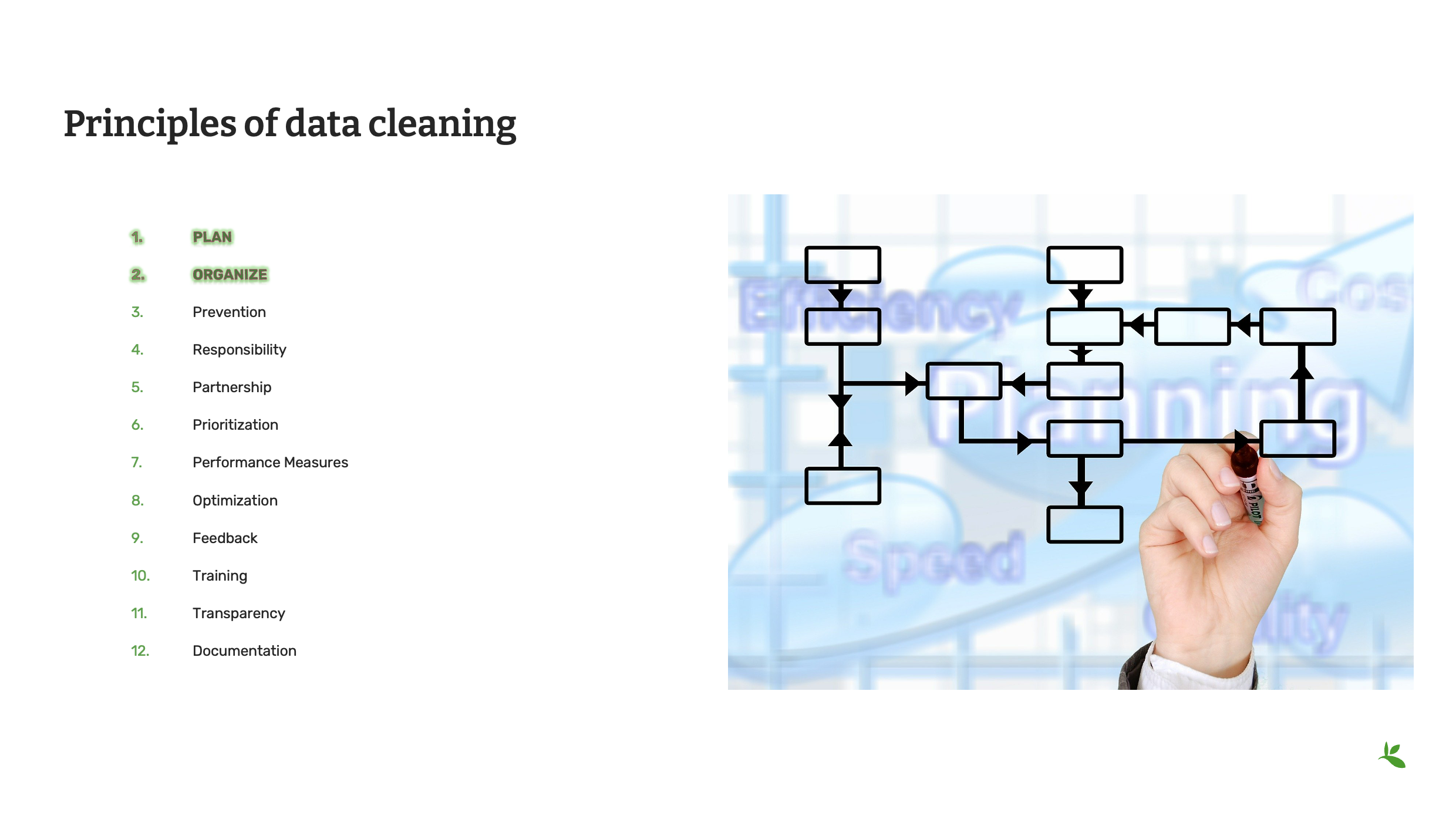
Первые два принципа очистки данных — это планирование и организация. Спланируйте, как должен проходить процесс очистки данных. Разрозненный или случайный подход вряд ли позволит получить согласованные результаты. Разработайте и внедрите стратегию, соответствующую ресурсам и опыту вашего учреждения. Хорошо продуманный план позволит повысить как качество данных, так и репутацию вашего учреждения среди пользователей данных. Одним из первых этапов такого плана должна быть организация данных. Например, можно организовать данные по таксонам, а затем передать соответствующие подмножества данных специалистам, обладающим знаниями или ресурсами для очистки данных на основе названий. Данные также можно организовать по географическому признаку, basisOfRecord или даже разделить на пакеты определённого размера в числовом порядке. Используйте сильные стороны и возможности вашего учреждения.
Изображение: открытая лицензия от Pixabay
Слайд 8 — Принципы очистки данных
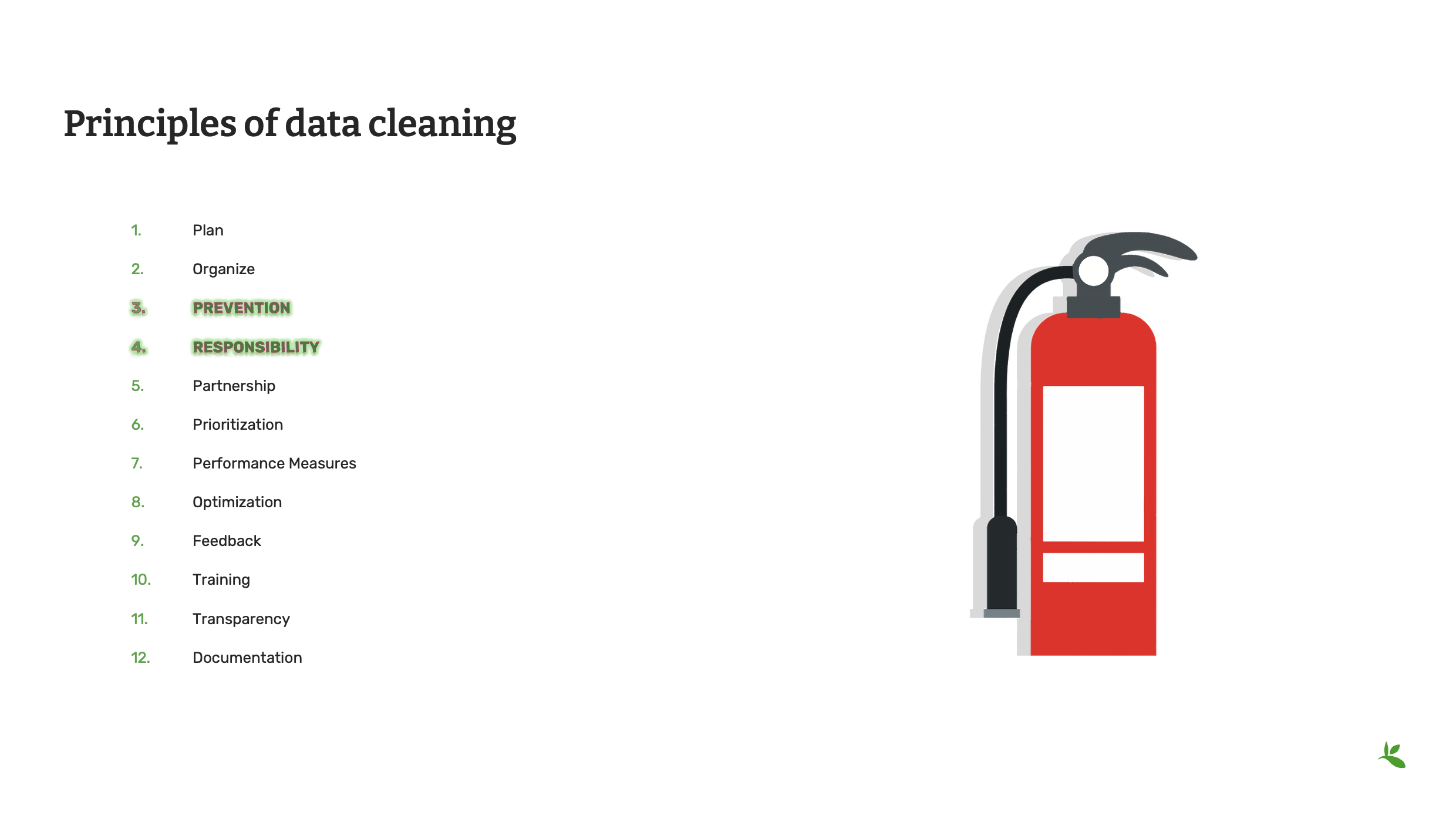
Как говорит Arthur Chapman: «Профилактика лучше лечения». В конечном итоге всегда проще и дешевле предотвратить ошибку, чем выявлять её и исправлять. Чем тщательнее вы планируете работу заранее, начиная ещё с момента регистрации данных в полевых условиях, тем меньше ошибок, скорее всего, придётся исправлять впоследствии. Стандартизированные словари и чёткие процедуры сбора и ввода данных — лишь некоторые из множества инструментов, которые можно использовать для предотвращения возможных ошибок.
Убедитесь, что все сотрудники вашей организации понимают: качество данных — это общая ответственность. Разумеется, основная ответственность лежит на тех, кто занимается управлением данными, однако каждый — от полевых специалистов и студентов, занимающихся вводом данных, до почётных кураторов — должен бережно работать с данными и сообщать обо всех обнаруженных ошибках или несоответствиях.
Изображение: открытая лицензия от Pixabay
Слайд 9 — Принципы очистки данных
Эффективность работы по поддержанию качества данных напрямую зависит от экспертных знаний, на которых основан этот процесс, и нельзя ожидать, что один человек будет знать всё обо всём. Сотрудничество с пользователями данных и профильными экспертами может сделать процесс обеспечения качества данных более успешным. Взаимодействуйте с сообществом пользователей как внутри, так и за пределами вашего учреждения и работайте вместе с ними, чтобы поддерживать максимально высокое качество данных.
Определяйте приоритеты очистки данных с учётом ресурсов и знаний, которыми располагает ваше учреждение. Например, можно в первую очередь проверить все данные, собранные коллекторами, которые ещё живы, чтобы важная информация не была утрачена в будущем. Если вы работаете с большим набором данных, можно сначала отдать приоритет данным, которые можно очистить с минимальными затратами с помощью автоматизированных процессов, а затем перейти к более сложным ошибкам, требующим индивидуального рассмотренияа. В конечном итоге приоритет следует отдавать данным, представляющим наибольшую ценность для работы вашего учреждения, а затем последовательно и систематически переходить к остальным данным.
Изображение: открытая лицензия от Pixabay
Слайд 10 — Принципы очистки данных
Иногда эффективной стратегией может быть определение показателей эффективности ещё до начала процесса очистки данных. Например, одним из таких показателей может быть очистка 500 записей каждую неделю. Другим показателем может быть подготовка статистического отчёта о точности внесённых исправлений, например: «95 % всех географических привязок, исправленных на этой неделе, теперь имеют неопределённость менее 1000 метров». Такие показатели помогают определить направление работы и служат ориентиром для специалистов, выполняющих очистку данных, а также позволяют оценивать достигнутые результаты и выявлять области, требующие улучшения. В идеальном случае у вас должен быть разработан план управления данными, оптимизированный таким образом, чтобы сделать этот процесс максимально эффективным. Оптимизации можно достичь различными способами, в том числе используя сильные стороны вашего учреждения, устанавливая чёткие цели и показатели успешности, а также регулярно корректируя приоритеты с учётом имеющихся ресурсов.
Изображение: открытая лицензия от Pixabay
Слайд 11 — Принципы очистки данных
Один из лучших способов оценить, насколько успешно работают ваши процессы очистки и поддержания качества данных, — получать обратную связь от пользователей данных в вашем сообществе. Это можно делать в рамках сотрудничества, о котором мы говорили ранее, но существуют и другие способы получения обратной связи. Например, можно посмотреть, как GBIF представляет ваши данные. Вы можете сравнить исходные данные (verbatim), опубликованные в GBIF, с интерпретированными данными, которые GBIF мог исправить или обновить. Такое сравнение поможет оптимизировать процесс очистки данных. В свою очередь, предоставляя GBIF экспертную обратную связь, вы также можете способствовать совершенствованию процессов обеспечения качества данных в GBIF.
One of the best ways to achieve success with data cleaning is to provide training and education to everyone who works with your data. These may be trainings that you organize yourself, local or regional trainings in partnership with, or presented by, other institutions in your area, or workshops and courses provided by other groups, such as GBIF. If you need training, please check the GBIF web site regularly or contact GBIF’s Community Mentors or GBIF’s Biodiversity Open Data Ambassadors who also can be good resources for training and education opportunities.
Изображение: открытая лицензия от Pixabay
Slide 12 - Principles of data cleaning
Documentation is one of the most important principles of data cleaning. This is true in two key ways.
First, whatever processes you use to maintain your data, it is important to be transparent about how errors are discovered and corrected. This transparency can be truly successful when the data cleaning process is well documented. Without clear and accessible documentation, you run the risk of losing best practices, building redundant processes and losing optimization. Good documentation will help you to avoid recurring errors.
Documentation is also key to good data quality. Good documentation, in metadata, for example, allows data users to determine the fitness for use of your data. Your documentation should not only include good metadata, it should also include the best practices, standardized vocabularies, and taxonomic and geographic authorities used. Documenting what data was cleaned by whom will help you to improve your optimization, reach performance measures, and ultimately, tell a more complete story of where your data came from and how it was improved over time.
Изображение: открытая лицензия от Pixabay

Слайд 13 — Заключение
Эта презентация является частью серии презентаций, используемых в курсе GBIF по мобилизации данных о биоразнообразии. Учебная программа по мобилизации данных о биоразнообразии была первоначально разработана в рамках Программы развития информационных ресурсов по биоразнообразию (Biodiversity Information for Development Programme), финансируемой Европейским союзом.
This presentation was originally created by Nestor Beltran with additional contributions by David Bloom, BID and BIFA Trainers, Mentors and Students.
Exercise 2a
|
For this exercise, you will perform a series of validation checks to evaluate the provided file for errors. |
The Swedish Butterfly Network has decided to begin sharing their data with GBIF. You have received an Excel file from the data capture team and have been asked to validate and correct the data in the file.
Validation checks
In this exercise we will focus on technical and consistency errors and perform a basic validation check to identify the errors.
Refer to [Validation checks] for information on the types of errors.
-
Download UC-Practice-2ab-ForCleaning.xlsx. (43 KB)
-
Open the file in Excel and examine the three tabs.
-
Find and document the errors (indicating the technical or consistency subtype).
-
Manually fix the errors if you have time.
-
Use the previously downloaded exercise sheet (PDF, 4 MB) to provide your answers.
Инструменты управления данными
|
In this video (06:42), you will learn about a variety of tools that you can use to improve the quality of your data. Subtitles for this video are available in French and Spanish. If you are unable to watch the embedded video, you can download it locally. If you download it locally, subtitles are not available. (MP4 - 30.3 MB) Если вы предпочитаете ознакомиться с материалом в текстовом виде, транскрипт видеоролика приведён ниже |
Presentation transcript
Нажмите, чтобы раскрыть
Slide 1 - Data management - Tools
In this presentation, we are going to explore the importance of software tools that can help to maintain, clean and standardize your data.
Image by Mudassar Iqbal from Pixabay
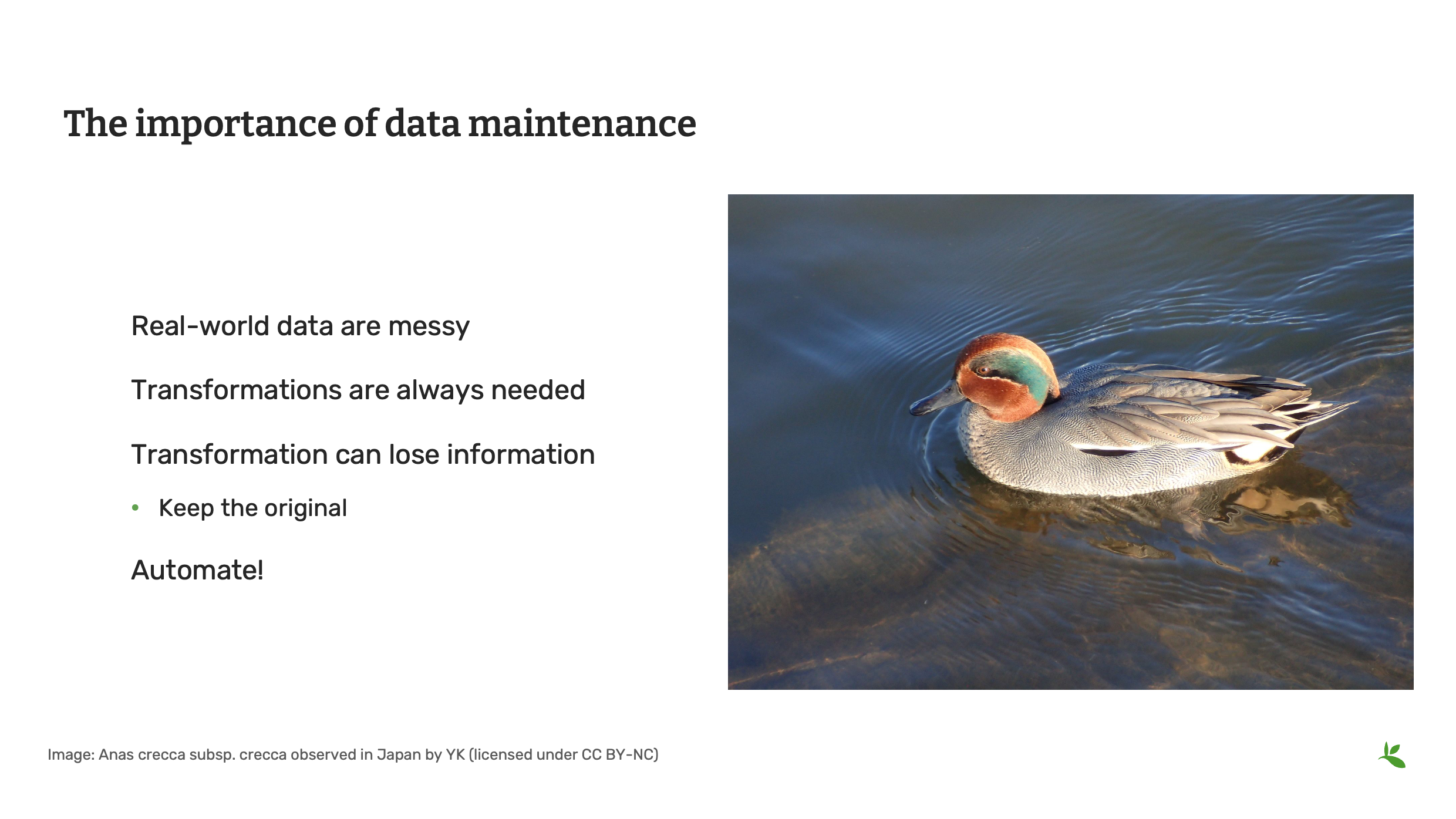
Slide 2 - Importance of data maintenance
Data Quality happens at every step in the data mobilization process. Within the roles on your team, you should ensure that someone is responsible and skilled with data maintenance and manipulation. We know that real-world data are messy and transformation and standardization is needed to make the data easily understandable and fit for use.
When transforming data (for example merging columns, converting coordinates, changing datum, etc), make sure that you document changes and that you have an original copy that you can revert to if necessary.
Photo: Anas crecca subsp. crecca Observed in Japan by Yoshi.K. CC BY-NC 4.0
Slide 3 - What to consider when choosing a tool
As was covered in the foundations course, in the software section, in choosing tools, some things you should consider include, price, ease of use, documentation and support and any technical requirements to run the tool. No tool is perfect. The importance is to find the right balance and the tool that fits your requirement.
Photo: Asota egens subsp. confinis Rothschild, 1897 Observed in Japan by Takaaki Hattori CC BY 4.0
Slide 4 - What to consider when choosing a tool
The tools you choose may not be the tools that others use within your institution – and that’s just fine, unless your organization places mandates on the tools you can use. You need to find and use the tools that help you to achieve the goals of your institution. So, you need to build a palette of tools that will help you and the people with whom you work to do their work as effectively as possible.
Photo: Crepidiastrum lanceolatum (Houtt.) Nakai Observed in Japan by Takaaki Hattori CC BY 4.0
Slide 5 - Basic technical considerations
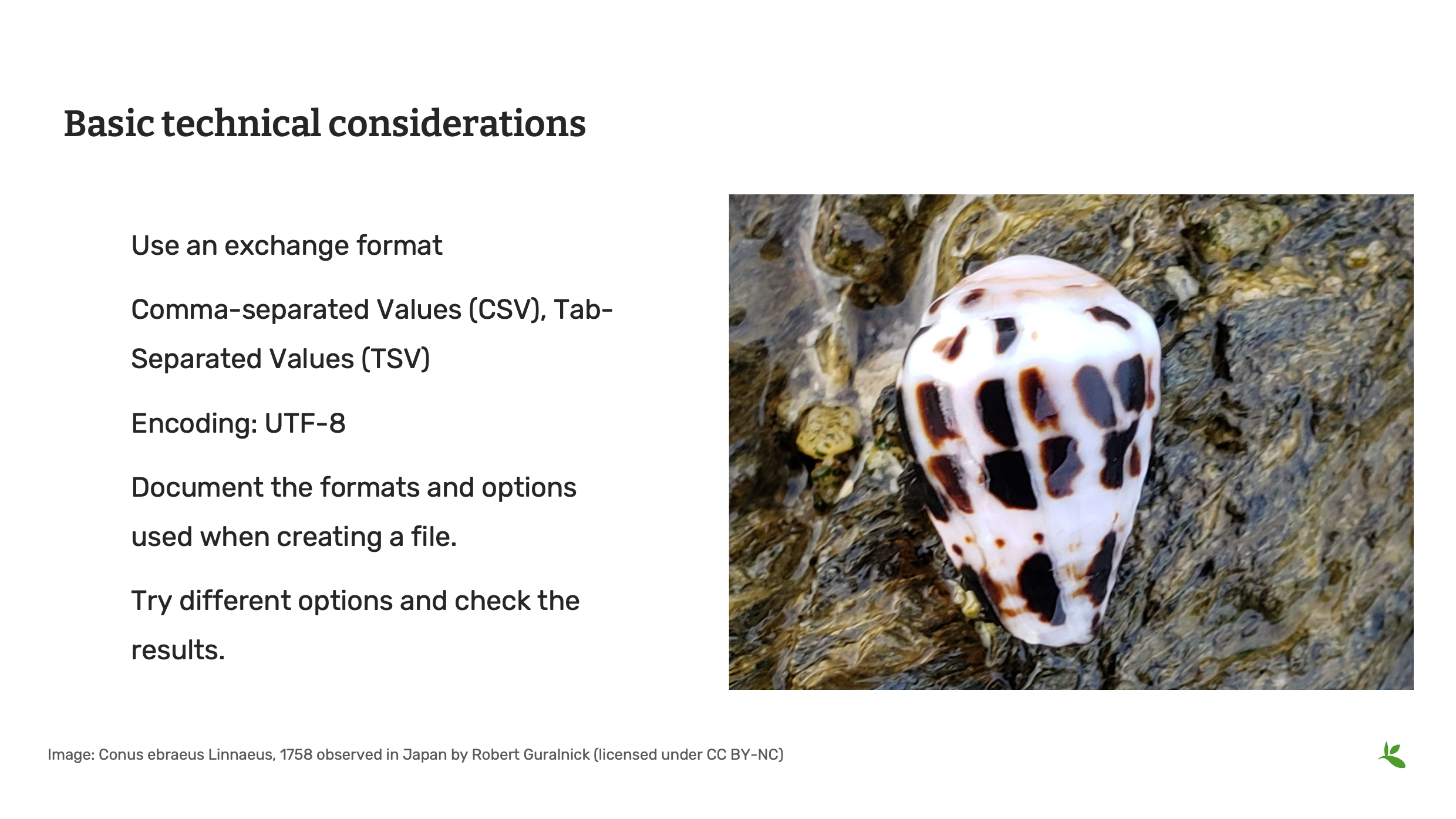
Some of the technical considerations when choosing tools should include the inputs and outputs that the tool uses for files.
Does it allow for importing and exporting standardized delimited files?
Can you select encoding (for example UTF-8) when opening or saving files to avoid encoding issues with special characters.
Photo: Conus (Virroconus) ebraeus Linnaeus, 1758 Observed in Japan by Robert Guralnick CC BY 4.0
Slide 6 - Tools - biodiversity data
In the Foundations course, we introduced you to a list of software tools compiled by previous trainers, mentors and students of this course. For the remainder of this presentation, we will review some of the tools that will be useful to complete the data management exercises in this course.
Photo: Chelonia mydas (Linnaeus, 1758) Observed in Thailand by Michael Barth CC BY-NC 4.0
Slide 7 - Tools - text editors
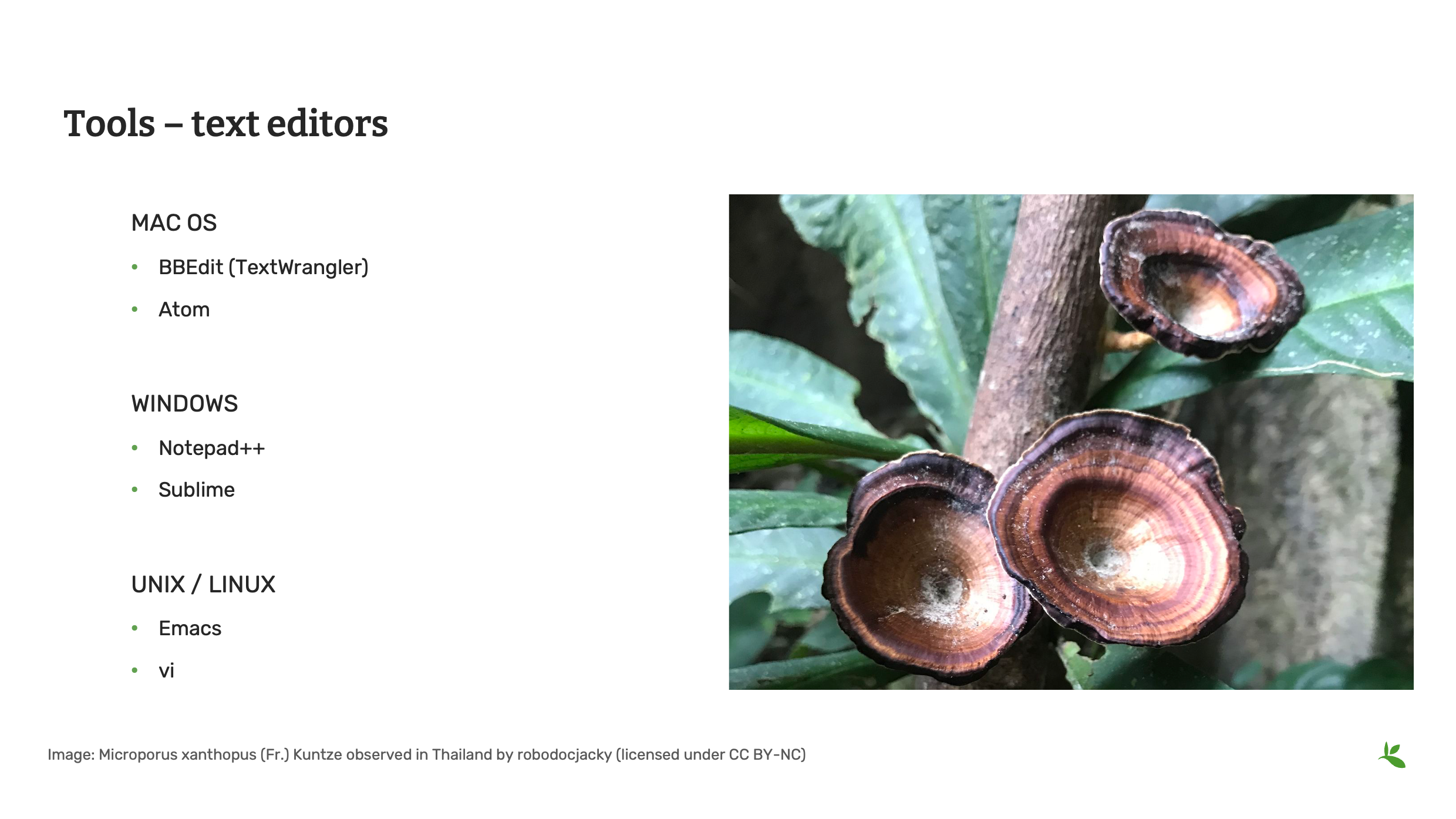
When working with data files, you will often need a text editor that is able to do more than the default text editor that came with your operating system, particularly with Windows and Mac. Some good options include BBEdit, Notepad++ and Sublime. When creating files, you should be consistent and document your local settings and options. When opening and editing files, try different options and check the results to make sure there aren’t any issues before your proceed.
Photo: Microporus xanthopus (Fr.) Kuntze Observed in Thailand by Jacky CC BY-NC 4.0
Slide 8 - Tools - taxonomic
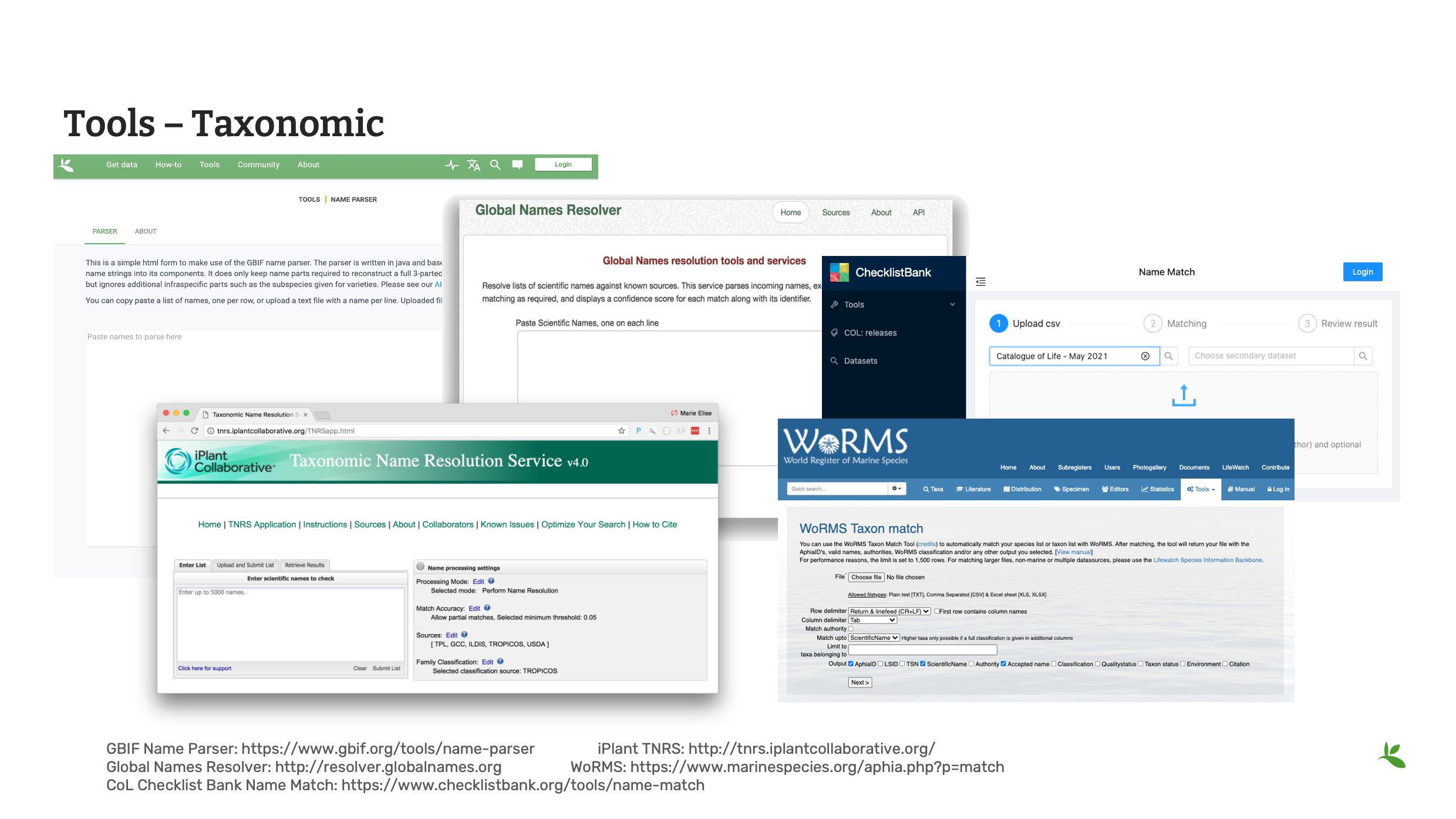
Here we look at some useful tools for checking taxonomy within your data.
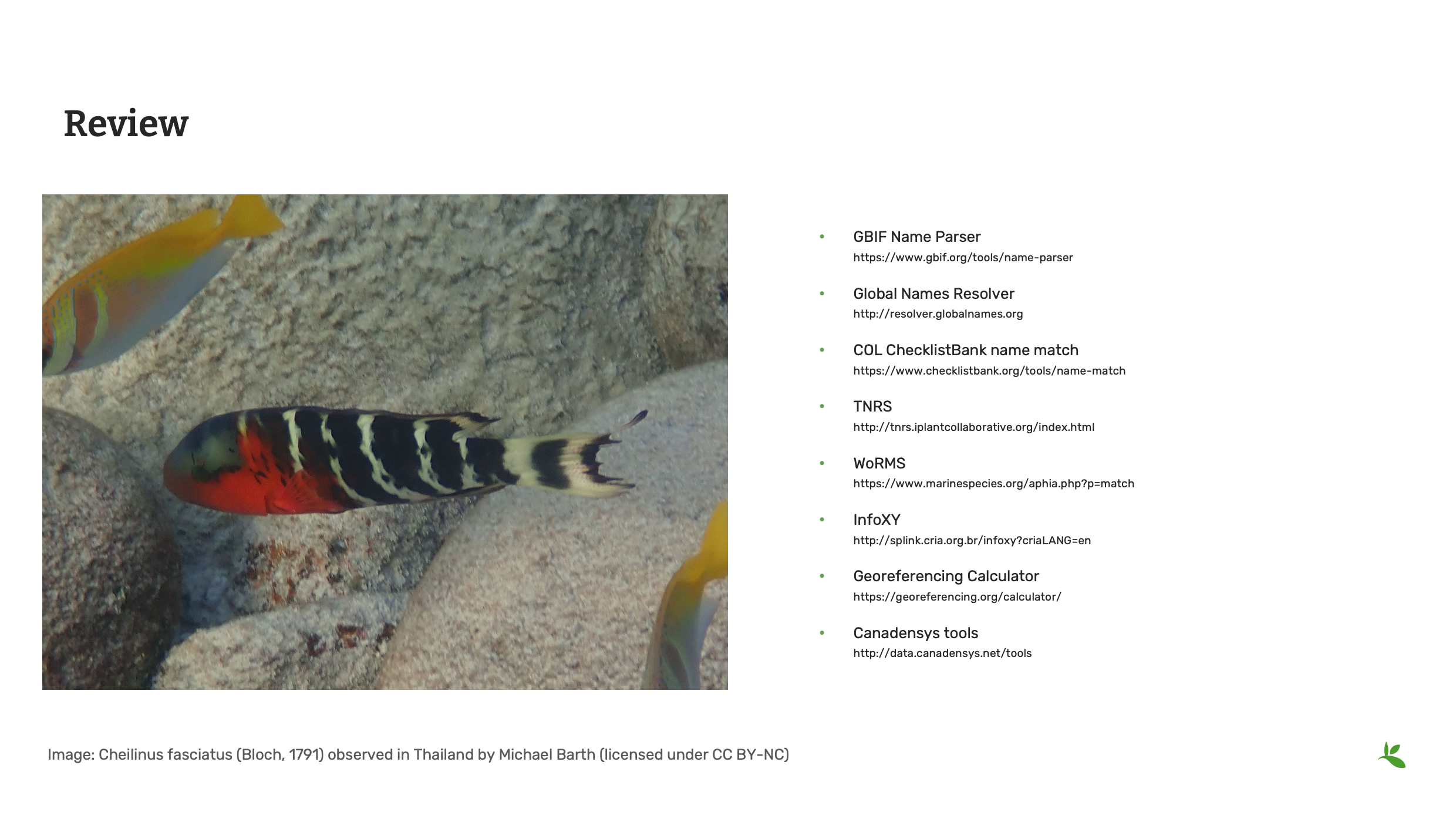
The GBIF Name Parser allows you to divide scientific name into its individual parts.
The Global Names Resolver uses fuzzy matching to show the accepted taxon or synonym.
The Catalogue of Life checklist bank offers a name matching tool. It indicates matches found within the checklist bank to the provided list of names and returns back the match along with higher taxonomy.
In addition to these tools, there are tools that deal with specific taxonomic thematic categories like the iPlant Taxonomic Name Resoluton and the World Register of Marine Species.
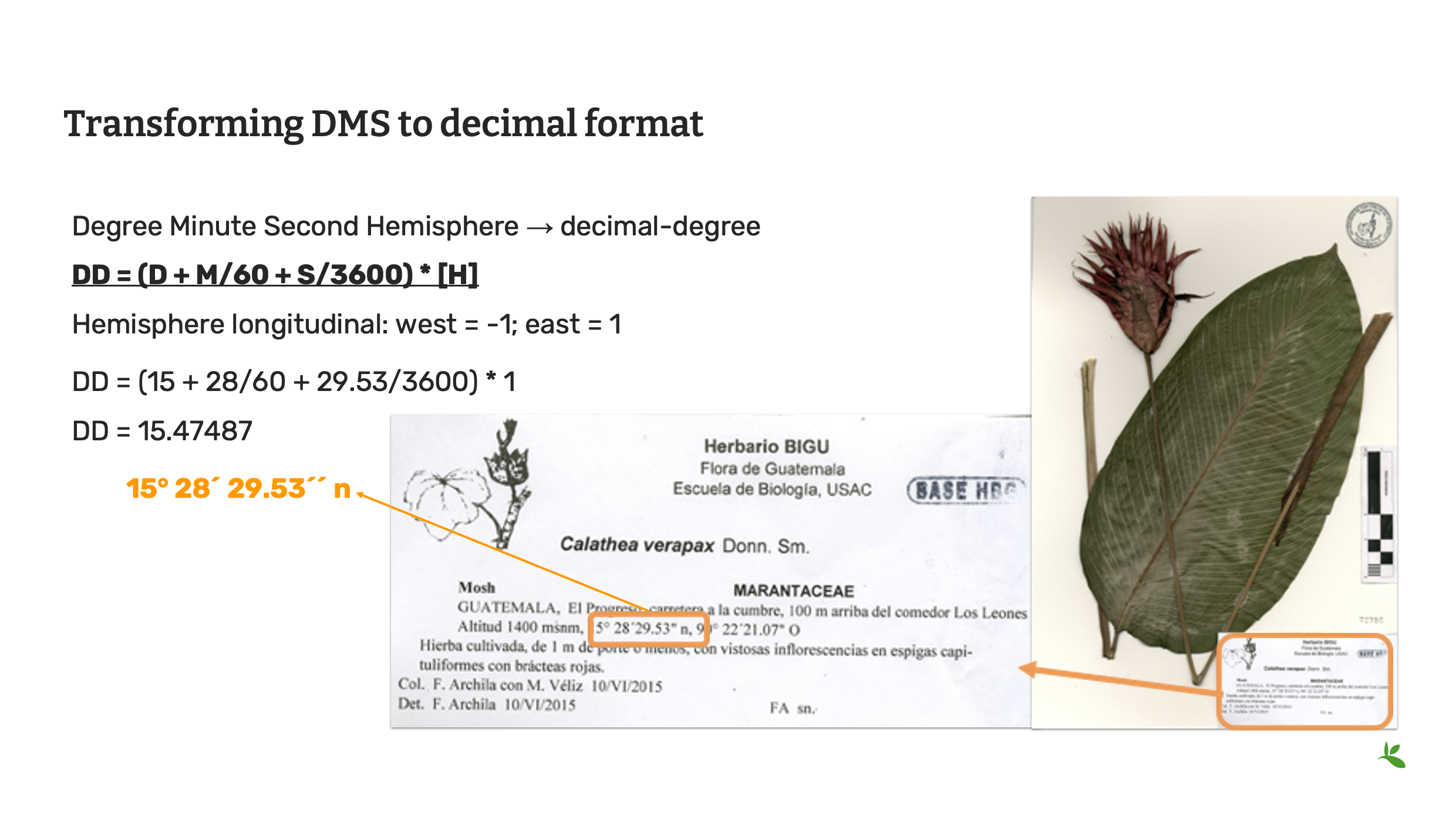
Slide 9 - Transforming DMS to decimal format
Often you will find within your datasets, that coordinates have been stored in the degrees minutes seconds format (otherwise known as DMS) and you will need to convert this to decimal degrees to starndarize the data for the Darwin Core fields of decimalLatitude and decimalLongitude. You can do this yourself using this mathematical formula.
Decimal degrees = (minutes + arc-minutes/60 + arc-seconds/3600) * hemisphere
Hemisphere longitudinal: west = -1; east = 1
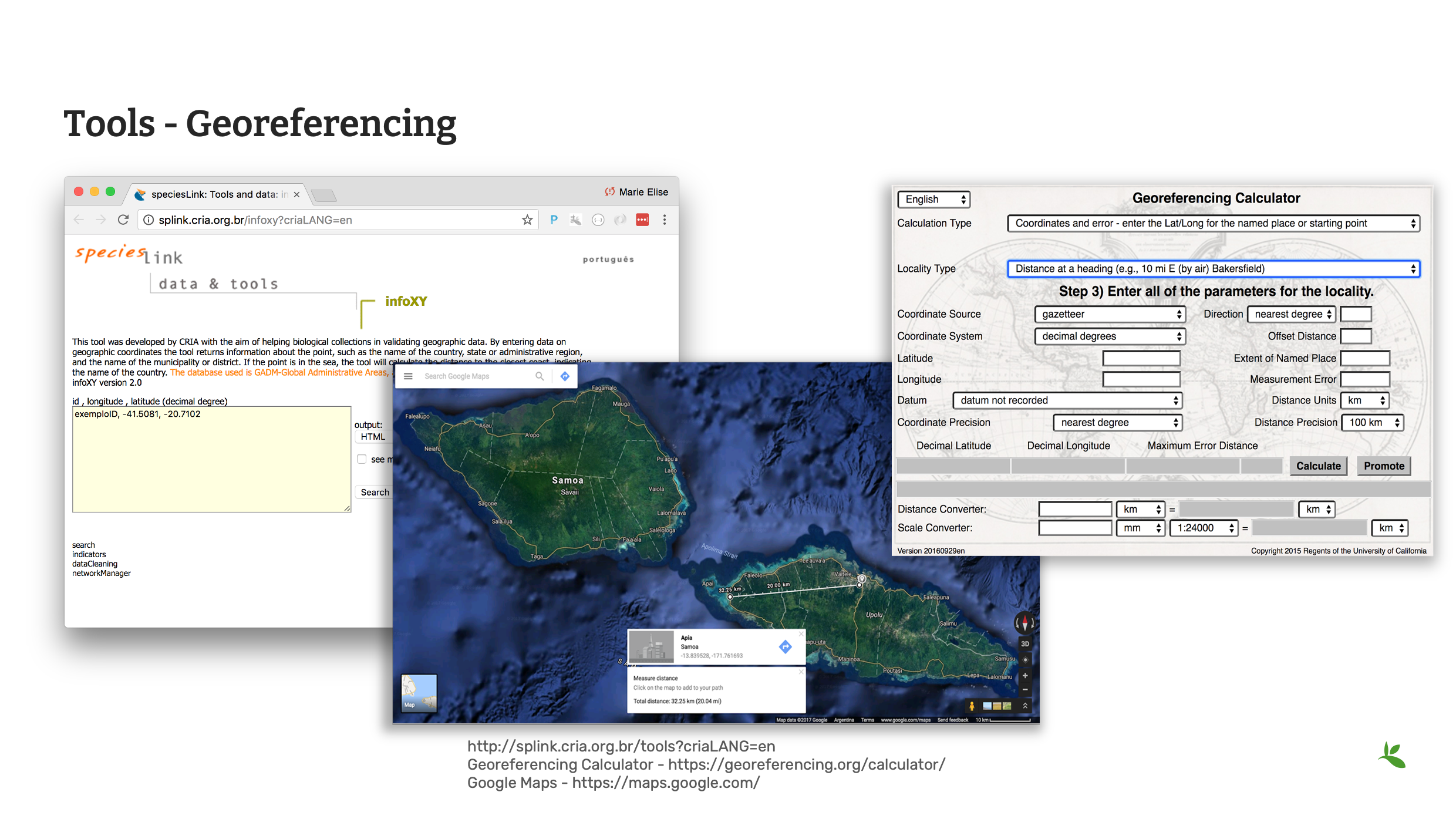
Slide 10 - Tools - georeferencing
However, there are tools online that can help you with geoferencing and the conversion of coordinates.
CRIA’s Species link hosts a variety of data cleaning tools. infoXY can help to get locality information using geographic coordinates.
The Georeferencing Calculator is a tool created to aid in the georeferencing of descriptive localities such as those found in museum-based natural history collections.
Additionally, you may also find Google Maps or Google Earth useful. Google Maps contains all of the navigation, mapping power and points of interest with just a small hint of satellite imagery, while Google Earth has complete 3D satellite data and just a small subset of information on places, without any point-to-point navigation.
As we do not teach georeferencing in this course, it is recommended that you review the Georeferencing documentation, available on the GBIF website before completing any large scale georeferencing project.
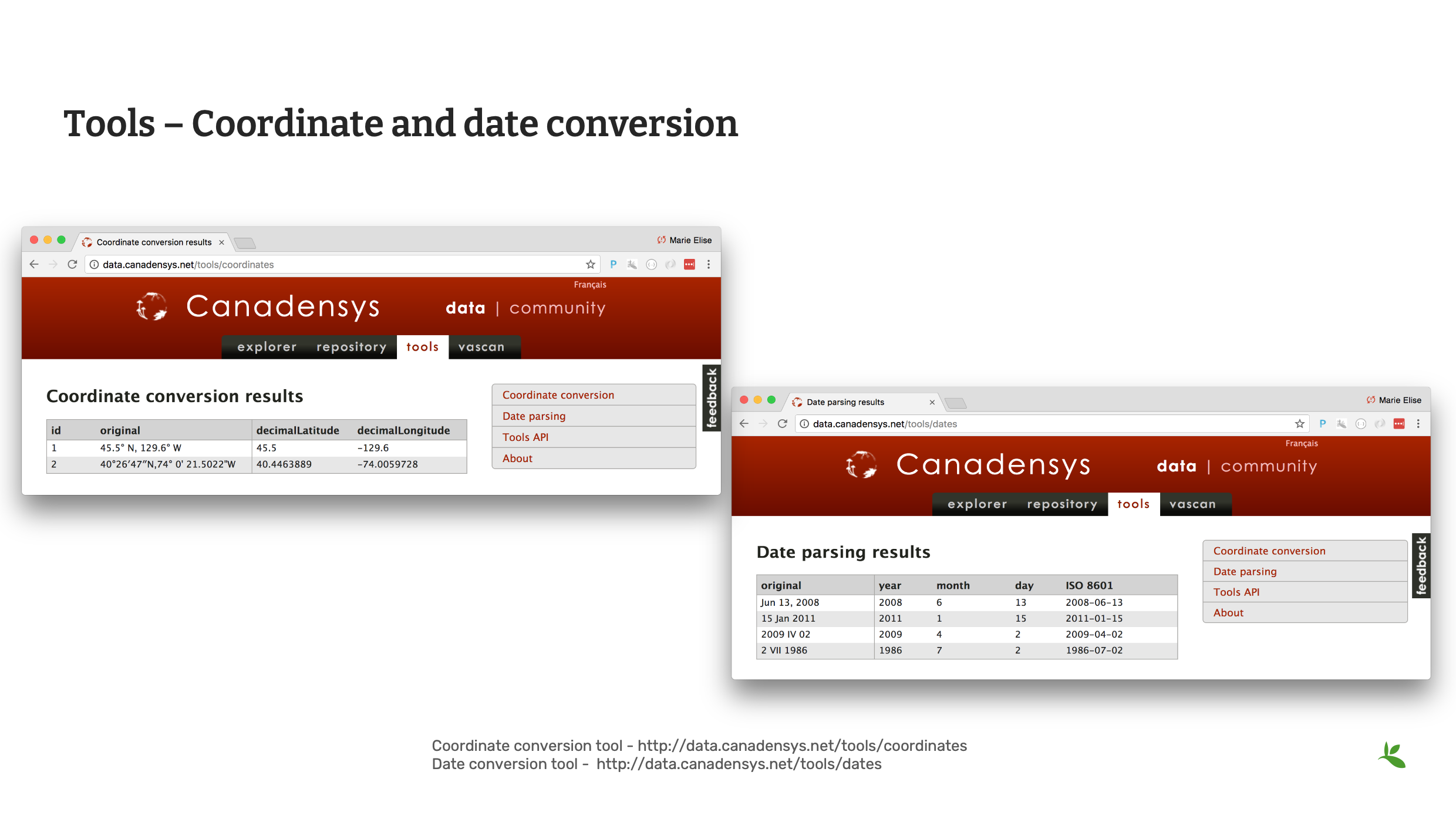
Slide 11 - Coordinate and date conversion
Canadensys offers two tools that can help with both Coordinate and Date conversion.
Slide 12 - Command line tools
Operating systems come with their own set of command line consoles. Additionally, many desktop tools provide command line functionality to be used within those consoles. Command line tools are great for scripting to automate processes.
Slide 13 - Review
Remember there are many, many sources for validating, cleaning and standardizing your data. Until you develop your preferred list of tried and trusted tools, remember to explore many options.
Photo: Cheilinus fasciatus (Bloch, 1791) Observed in Thailand by Michael Barth CC BY-NC 4.0

Slide 14 - Conclusion
This is part of a series of presentations used in the GBIF Biodiversity Data Mobilization course. The biodiversity data mobilization curriculum was originally developed as part of the Biodiversity Information Development Programme funded by the European Union. This presentation was originally created by Nestor Beltran with additional contributions by Sophie Pamerlon and David Bloom, BID and BIFA Trainers, Mentors and Students.
Exercise 2b
|
For this exercise, you will practice cleaning data using Excel and other helpful tools. |
Data cleaning with Excel
SBN has given you a checklist of data quality elements to verify:
-
All names are correctly spelled and are butterflies
-
All names are complete
-
All coordinates are inside the country stated and converted to decimal format
-
All dates are in the proper column and in the format YYYY-MM-DD
-
Refer to [Helpful tools] in order to complete the exercise. It is suggested to use the GBIF Species Matching tool, the Canadensys Coordinate Converter and InfoXY. You are not limited to these tools, you may use any tools you like.
-
Continue using the same file from the previous exercise.
-
Correct any additional errors found in the dataset and document the changes you perform in the exercise sheet.
-
Для ответов воспользуйтесь ранее загруженным листом с упражнениями.
-
OpenRefine
|
In this video (03:27), you will learn about OpenRefine. You can use OpenRefine to standardize and improve the quality of your data. Subtitles for this video are available in French and Spanish. If you are unable to watch the embedded video, you can download it locally. If you download it locally, subtitles are not available. (MP4 - 7.7 MB) Если вы предпочитаете ознакомиться с материалом в текстовом виде, транскрипт видеоролика приведён ниже |
Presentation transcript
Нажмите, чтобы раскрыть
Slide 1 - Data management - OpenRefine
In this presentation, we are going to introduce OpenRefine as a tool for data cleaning.
Slide 2 - OpenRefine
Previously known as Google Refine; it is now Open access and open sourced. OpenRefine can be used for data cleaning and standardization. You can find it at openrefine.org.
Slide 3 - What is OpenRefine?
OpenRefine is a powerful tool for working with messy data.
OpenRefine supports faceted browsing as a mechanism for seeing a big picture of your data, and filtering down to just the subset of rows that you want to change in bulk.
The clustering feature works by trying to group the choices in the text facet, so that choices that "look similar" get grouped together.
Reconciliation is a semi-automated process of matching text names to database IDs or keys.
You can use OpenRefine to perform reconciliation of names in your data against any database that exposes a web service following the Reconciliation Service API specification.
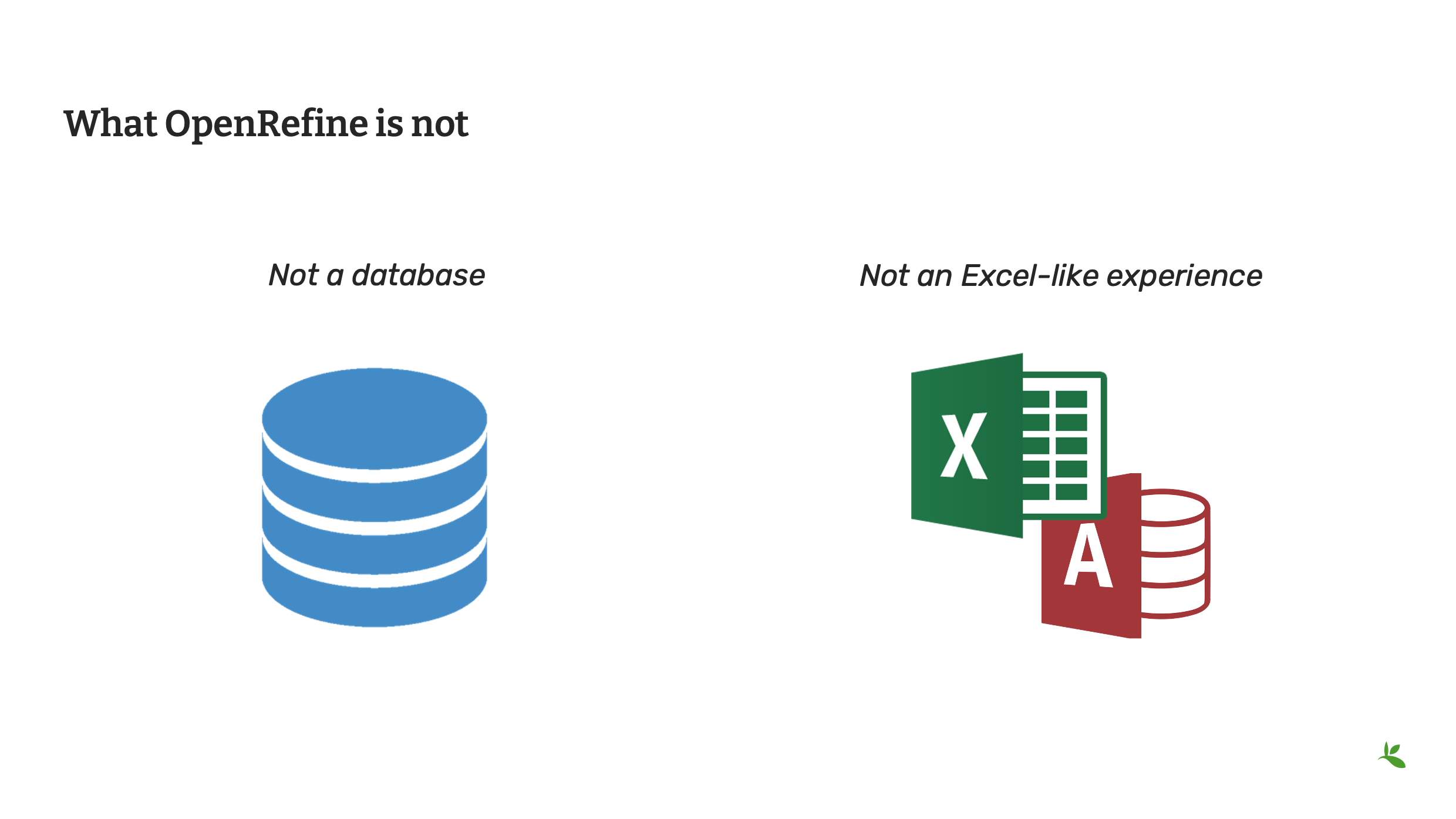
Slide 4 - What OpenRefine is not
OpenRefine, however, is not like other tools you’ve used. OpenRefine CANNOT be used for storing or managing data; it is strictly a cleaning and/or standardizing tool.
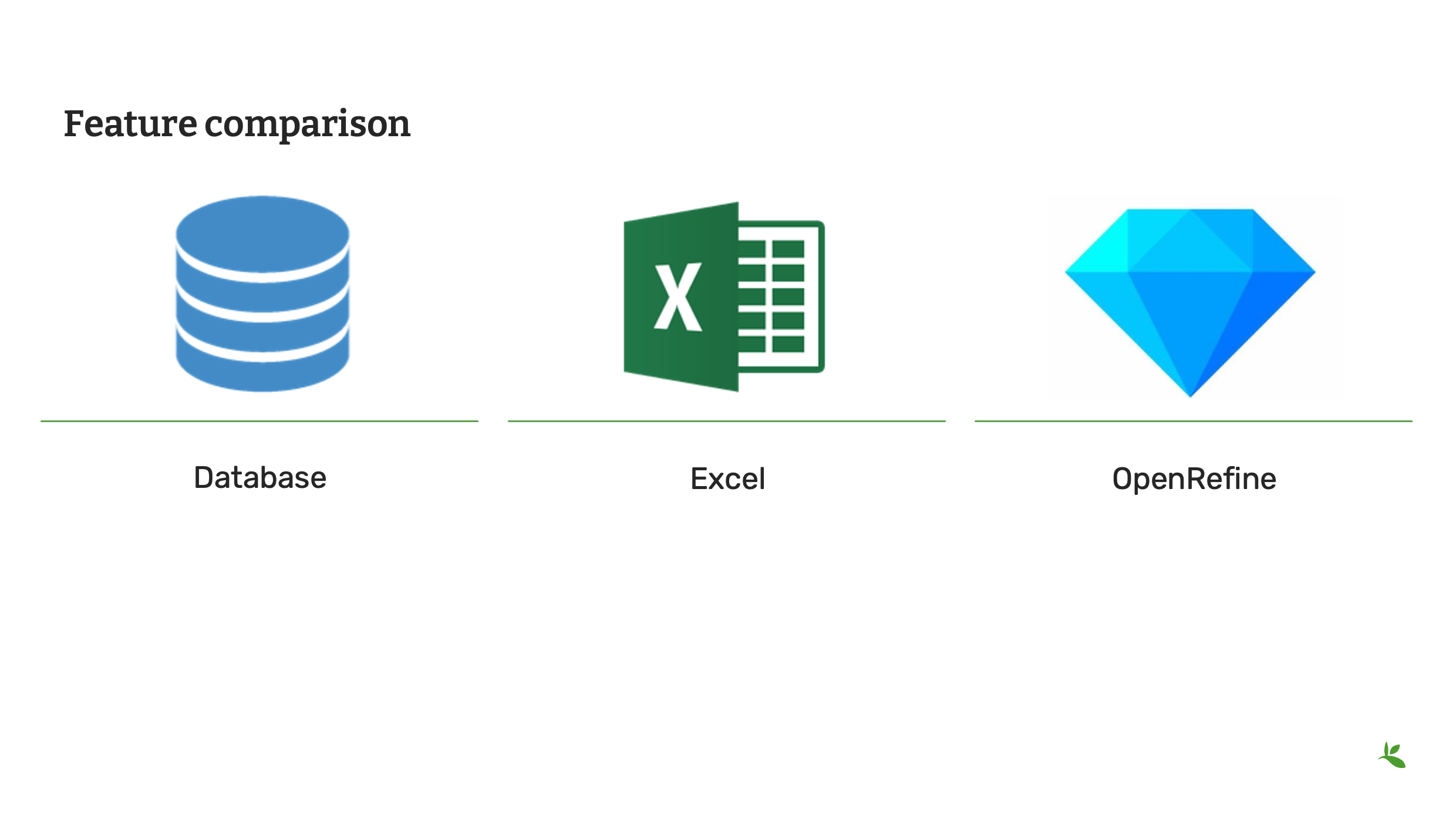
Slide 5 - Feature comparison
As OpenRefine is a different kind of tool, you should consider when it is appropriate to use it versus other tools.
A database provides infrastructure for storage and indexing of data. Generally, it requires programming skills to edit and is absent of easy visualization.
Excel is a spreadsheet application. It is useful for documenting data and performing operations. And while you can manage your data and have limited ability to clean and standardize your data, it is usually restricted to editing cell by cell. Data is not always visible and it lacks powerful visualization tools.
OpenRefine in contrast offers multi-cell editing, easy exploration and transformation and interactive visualization. But as mentioned previously, it is not for storing and managing data.
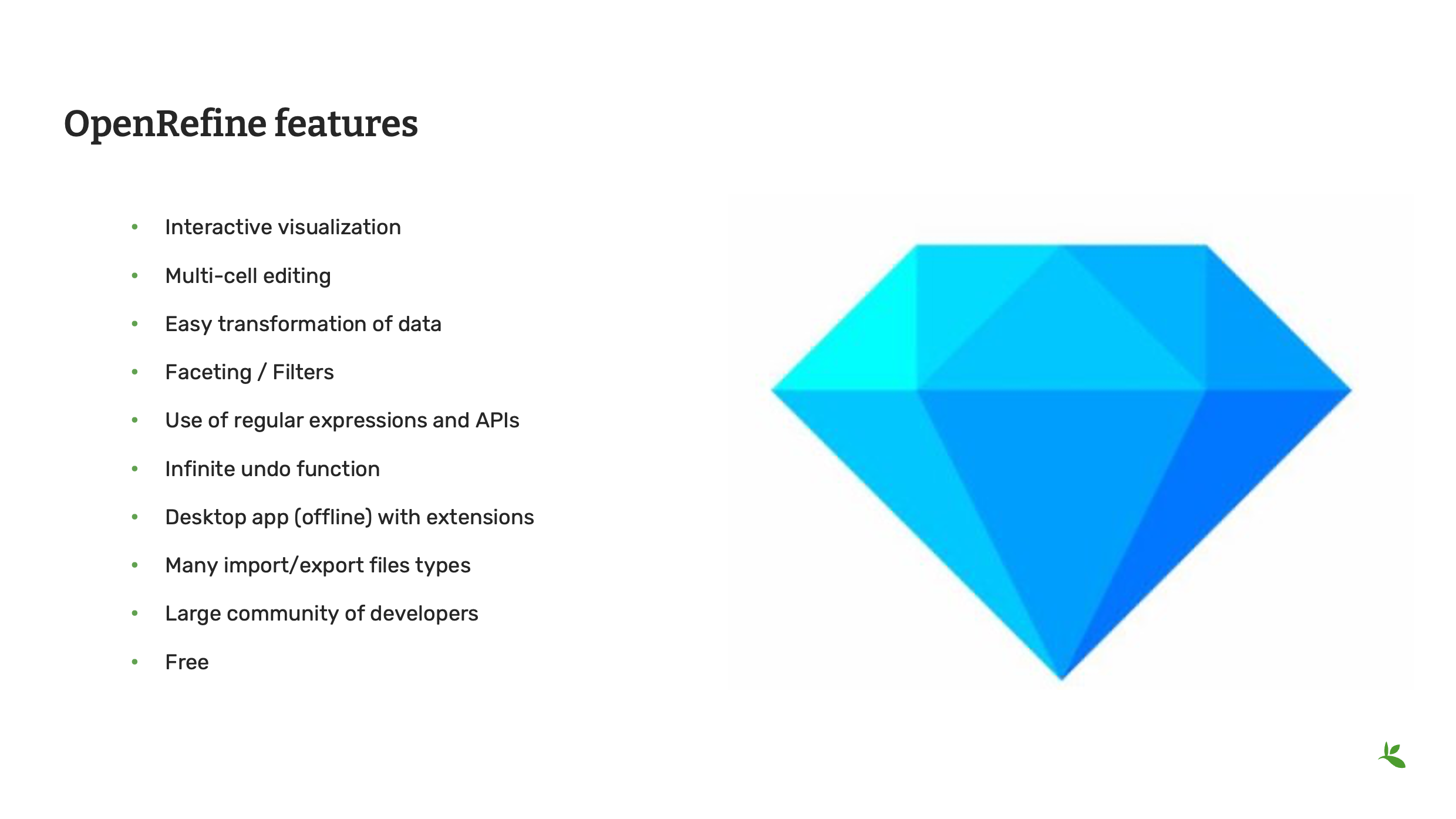
Slide 6 - OpenRefine features
So now that you understand the differences, here is a list of useful features that you will find within OpenRefine. You will soon have an opportunity to complete a tutorial to try all the features.
OpenRefine is a software that you install on your computer. It requires the JAVA JRE/JDK to run. It works on Windows, Mac and Linux.
As OpenRefine is free and open source, it is supported by a large community of developers and users. It easy to find tutorials online on how to use the tool.

Slide 7 - Conclusion
This is part of a series of presentations used in the GBIF Biodiversity Data Mobilization course. The biodiversity data mobilization curriculum was originally developed as part of the Biodiversity Information Development Programme funded by the European Union. This presentation was originally created by Nestor Beltran with additional contributions by Sharon Grant, David Bloom, GBIF Trainers, Mentors and Students. This presentation has been narrated by Laura Anne Russell.
Exercise 2c
|
In this exercise you will use OpenRefine to improve the quality of a dataset by using the default features, existing web services and regular expressions. |
Exercise 2c
-
Download UC-Practice-2c-OpenRefine.csv. (42 KB)
-
Download and complete the exercises in OpenRefine-Exercise2c-EN.pdf. (PDF, 2.2 MB)
-
Для ответов воспользуйтесь ранее загруженным листом с упражнениями.
Exercise resources
Проверка валидации
Technical errors (Технические ошибки) Относительно простой, часто поддающийся автоматизации, проверяет целостность данных. Они могут указывать на некорректный экспорт, отображение данных, смещение поля (например, перемещение 1 колонки справа) или отсутствие данных в источнике.
-
Completeness (Укомплектованность): Доступны ли все данные и метаданные – присутствуют ли все поля, заполнены ли все поля?
-
Bounds (Пределы): Например, дни указаны в диапазоне 1-31 (в зависимости от месяца)
-
Data type (Тип данных): Например, поле "Дата" содержит дату или цифру?
-
Data format (Формат данных): Например, даты представлены 01/01/2010 или 01/Ян/10?
Consistency errors (Ошибки соответствия)
Применение правил реального мира к данным. Они могут указывать на некорректный ввод данных из старых записей, ошибок транскрипции или последующей обработки. Некоторые из них сложны для реализации и требуют справочных наборов данных для повторной проверки. Например, список известных коллекторов и способов сбора коллекций. Эти правила могут быть собраны у пользователей и аналитиков.
-
Taxonomic (Таксономия): Например, в случае идентификации видового уровня, имеются ли бинарное научное название и записи в полях родов и видов?
-
Currency (Обмен): Согласованы ли даты сбора, идентификации, обновления и оцифровки?
-
Outliers (Отклонения): Находите отклонения, но помните, что не все отклонения обязательно являются ошибками. Например, сравните с известным спектром видов или известным экологическим диапазоном (но помните, что отклонения могут быть неправильной идентификацией, а не неправильными координатами).
-
Geographic (География): Координаты в пределах идентифицированного населенного пункта или региона? Например, имеются ли какие-либо наземные наблюдения на море или морские наблюдения на суше?
-
Collecting patterns (Модели коллектирования): Соответствует ли подробная информация о наблюдении известным моделям коллектирования организации или сборщика? Возможно ли создание каких-либо записей после смерти сборщика (возможно, это другой сборщик с похожим именем)? Например, приписываются ли какие-либо записи о млекопитающих группе, наблюдающей за птицами?
-
Accuracy and precision (Аккуратность и точность): Например, являются ли какие-либо географически привязанные записи, указывающие на очень высокую точность или аккуратность сбора данных в период до появления GPS (или до точности GPS)?
-
Collecting methods (Методы сбора): Различные методы обследования (например, трансекты и обследования целых районов) имеют особые характеристики. Согласуются ли записи с предоставленным методом?
Полезные инструменты
Taxonomy
-
*GBIF Species Matching: https://www.gbif.org/tools/species-lookup
-
GBIF Name Parser: https://www.gbif.org/tools/name-parser
-
Global Names Resolver: http://resolver.globalnames.org
-
Catalogue of Life checklist bank name match: https://www.checklistbank.org/tools/name-match
-
iPlant TNRS: http://tnrs.iplantcollaborative.org/
Georeferencing
-
Georeferencing Calculator: https://georeferencing.org/calculator/
-
Canadensys coordinate conversion: http://data.canadensys.net/tools/координаты
-
Карты Google: https://maps.google.com/
Dates
-
Canadensys date parsing: http://data.canadensys.net/tools/dates
Review
|
Quiz yourself on the concepts covered in this module. There may be multiple correct answers for some questions. You can read more about the answers in the Solutions Appendix. |